

Bankably

Agile Health Insurance

After My Event

AngleHealth

CustomerDiscovery

Glue Up

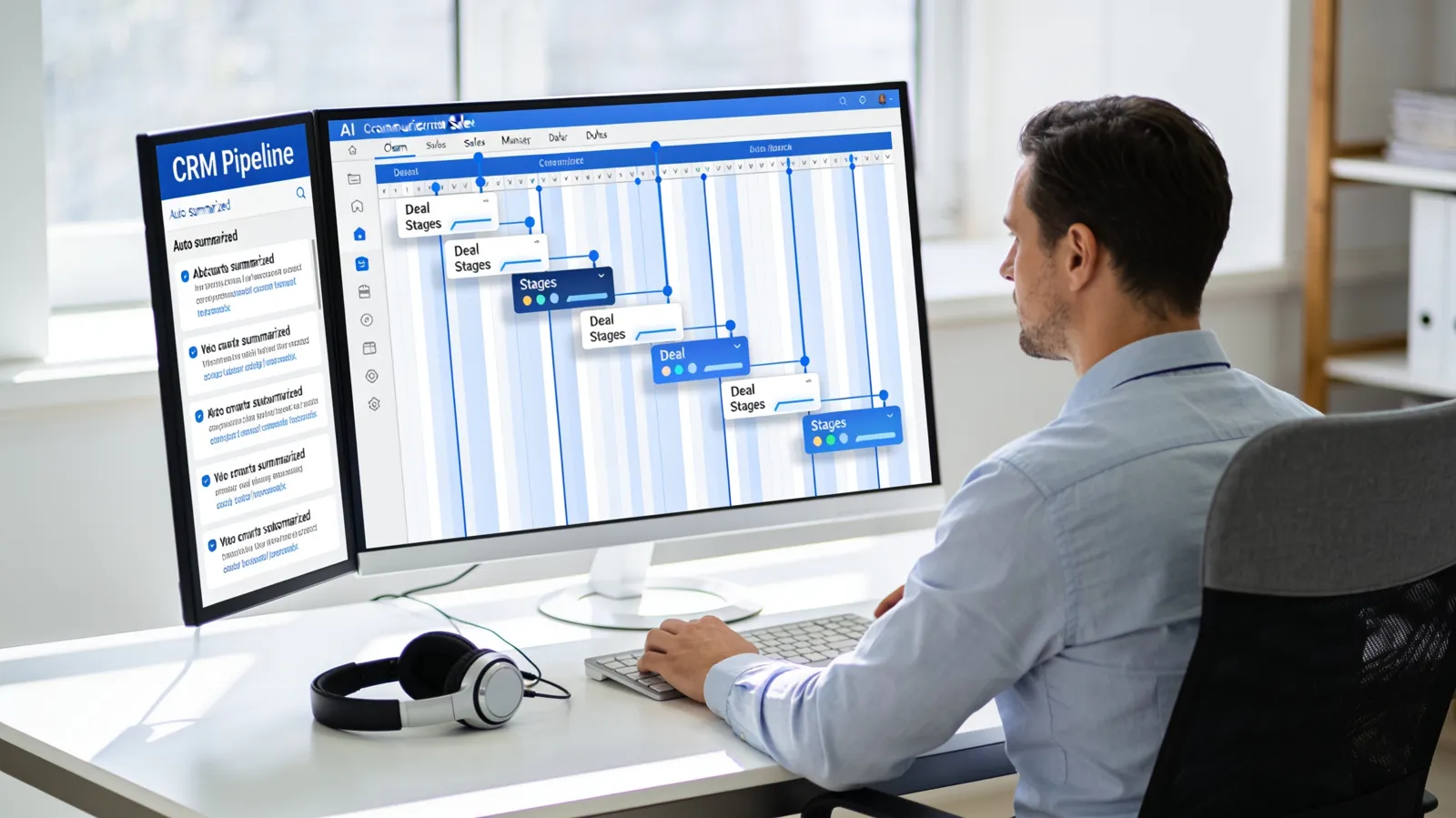
Your CRM is only as good as the data in it, and nobody likes data entry. We build AI automations that log calls and emails, update deal stages, enrich contacts, and flag deals going quiet, so your pipeline stays accurate without extra work.


We are a software development firm first, not a prompt shop. Every automation starts with mapping how the work actually gets done today, gets built on production-grade infrastructure, and ships with monitoring, documentation, and a team that maintains it. You own the code, the workflows, and the data, and we never take your IP.

AI CRM automation uses AI to read the conversations your team already has, in email, calls, and meetings, and turn them into CRM updates automatically. Instead of reps typing notes after every call, the CRM fills itself in, and managers get a pipeline they can trust.

These automations work inside the CRM your team already uses, whether that is HubSpot, Salesforce, Pipedrive, or GoHighLevel.
Emails, calls, and meetings are captured and attached to the right contact, company, and deal without anyone lifting a finger.
AI turns call recordings and transcripts into concise notes, next steps, and objections, saved directly to the deal.
When a proposal is sent or a contract is signed, the deal moves to the right stage automatically, with the right tasks created.
New records are filled out with firmographic details, role information, and source data so reps have context before they call.
AI watches for deals that have gone quiet and drafts a follow-up for the owner, so opportunities do not die from neglect.
Ongoing detection of duplicates, missing fields, and stale records keeps your data clean for reporting and forecasting.
Bad CRM data makes forecasts unreliable, leads fall through the cracks, and managers spend pipeline reviews asking for updates instead of coaching. Automating the data entry fixes the root cause: reps keep selling, and the CRM stays current as a side effect of the work they already do.
CRM automation pairs naturally with AI lead response and broader AI workflow automation. See all AI automation services.
Both offer built-in AI features, and we use them where they fit. Custom automation fills the gaps: connecting other tools, following your specific sales process, and handling data the native features do not touch.
We design rules for what the AI can change and when. Important fields can be protected, and sensitive updates can require a rep's approval.
HubSpot and Salesforce most often, plus Pipedrive, GoHighLevel, Zoho, and other CRMs with a solid API.
Core automations like activity logging and call summaries can usually launch within a few weeks. Larger cleanup and enrichment projects depend on the size of your database.
Our dedicated team provides reliable support around the clock, ensuring that your project receives the attention it deserves with prioritized responses and timely deliveries. Talk with our team about our tailored solutions we have available at (804) 504-1084


Copyright Lean Discovery Group. 2022, All Rights Reserved.


